What is IPTV? A clear guide for UK viewers
How IPTV works, what you need and how it compares with satellite and cable.
Read guideLive channels, a large on-demand library of movies and series, and PPV events, streamed to the screens you already own. Simple plans, quick setup and a real person on WhatsApp when you need help.
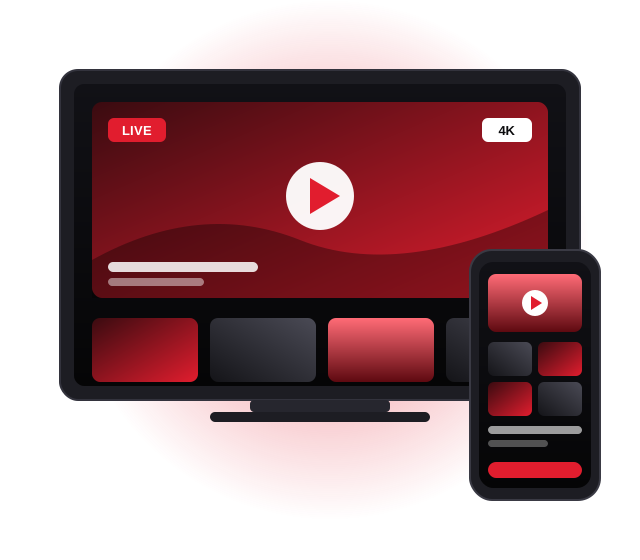
PIXLAR8K brings live TV and on-demand entertainment together in one place. Every plan includes the full feature set, so you never have to pay extra to unlock a better picture or more content.
Watch in the quality your screen and connection can handle. Many channels and titles are available in several resolutions, so you can choose sharp 4K on a big TV or a lighter HD stream on a phone.
A wide lineup that covers entertainment, news, documentaries, kids, music and sport, with UK and international channels organised into clear categories so you can find what you want quickly.
An on-demand library you can browse by category. Start a film when it suits you, pause it, and pick up a series from the episode you left off, without waiting for a broadcast schedule.
Pay-per-view channels are included in every plan, giving you access to dedicated event channels alongside the regular lineup. Event availability can vary, so check with us about a specific event.
Use PIXLAR8K on smart TVs, Fire TV Sticks, Android boxes, phones, tablets and computers. You install a compatible IPTV player, enter your details and start watching.
Questions before you buy, help during setup, or a fix when something does not look right. Our team answers on WhatsApp, which means you can send a photo or screenshot and get a clear answer.
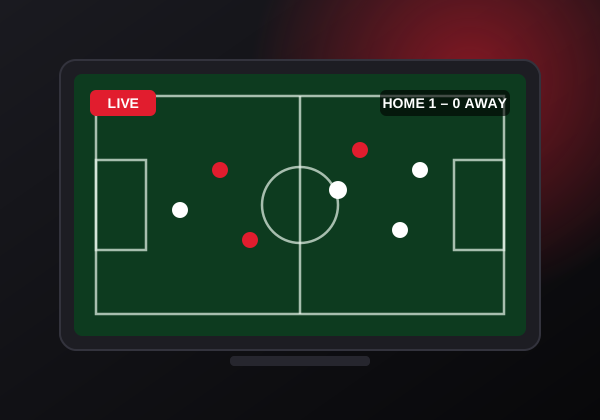
Live TV is still the easiest way to relax at the end of the day. With PIXLAR8K you get a large selection of live channels from the UK and around the world, grouped by country and category so that you are never scrolling through an endless list.
Families can keep the kids' channels in one place, sports fans can jump straight to the sports category, and anyone who follows the news can switch between rolling news channels in seconds. Many IPTV player apps also show an electronic programme guide (EPG), so you can see what is on now and next, just as you would on a traditional TV box.
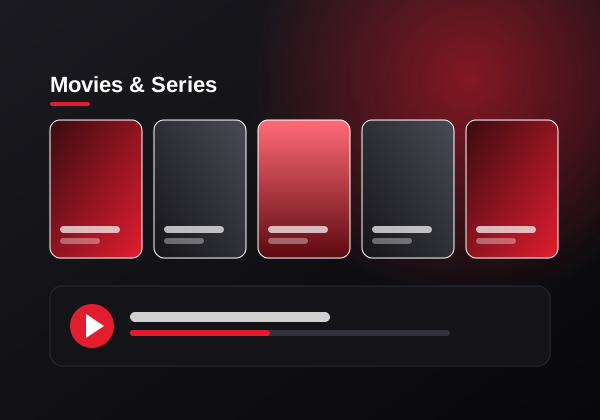
The on-demand side of PIXLAR8K is built for evenings when nothing on live TV fits your mood. Browse the movies and series library by genre, find something new or return to a favourite, and watch it from the beginning whenever you like.
Series are organised by season and episode, which makes it easy to follow a show at your own pace. Most player apps remember where you stopped, so you can start an episode on the living room TV and finish it later on a tablet. New titles are added to the library over time, and the catalogue covers a wide range of genres for different ages and tastes.
Because the library is part of every plan, you do not need separate subscriptions for movies and series on top of your live channels. One subscription and one app give you both.
Different people watch TV in very different ways. Here is how PIXLAR8K fits the most common viewing habits we hear about from UK customers.
Follow live matches from the sports category, use PPV channels for big events and pick 4K when you want every detail on a large screen. A wired connection to your TV makes live sport especially smooth, because there is no time to buffer when the action is happening now.
Keep kids' channels, entertainment and films in one app on the living room TV, then let older children watch on a tablet in another room. Many player apps support favourites and parental controls, so everyone can find their own channels quickly.
Browse the on-demand library by genre, start a new series on a Friday night and work through it at your own pace. There is no extra package to unlock the library: it is part of every PIXLAR8K plan from the 1 month option upwards.
If you live in the UK but enjoy TV from another country, the channel list is organised by country as well as by category. That makes it easier to keep up with news, entertainment and culture from home without a second subscription.
All four plans include exactly the same features. Longer plans cost less per month. Press Buy Now and WhatsApp opens with your chosen plan already in the message.
One-time payment for the period you choose. Questions about a plan? Ask us on WhatsApp or read the full pricing details.
There is no new box to buy. PIXLAR8K runs through an IPTV player app, and those apps are available for most of the devices found in UK homes.
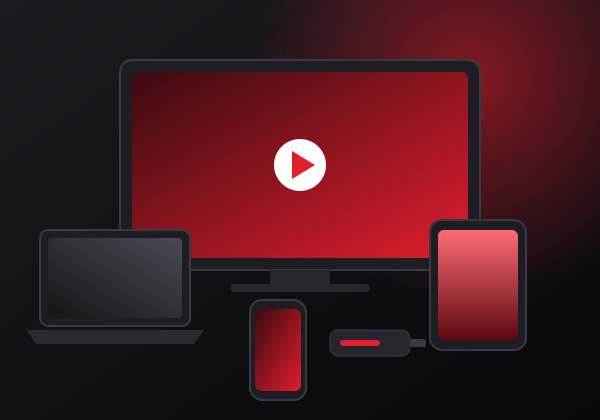
For the biggest picture and the most comfortable remote control, a smart TV or a streaming stick connected to your TV is hard to beat. An Amazon Fire TV Stick 4K or a good Android TV box is a popular choice because it supports a wide range of IPTV player apps and handles 4K streams well.
Phones and tablets are ideal when you want to watch in another room, in the garden or while travelling. A laptop or desktop computer works well too, especially if you like to keep a match or the news on one side of the screen while you work.
Not sure where to start? Our guides cover IPTV on a Fire TV Stick and IPTV on Samsung and LG smart TVs, or you can simply message us the model of your device.
Getting started takes a few minutes. Our team guides you through each step on WhatsApp, so you are never left guessing.
Pick 1, 3, 6 or 12 months on the pricing table. Every plan has the same features.
Press Buy Now. Your plan is already written in the message, so just press send.
After payment, we send your login details and tell you which app suits your device.
Install the player, enter your details and enjoy live TV, movies and series.
Setting up IPTV for the first time can feel unfamiliar, but in practice it is similar to installing any other streaming app. You download an IPTV player from your device's app store, open it and add the connection details that we send you. The channels, movies and series then load into the app automatically.
If you get stuck, send a screenshot or a photo of your screen on WhatsApp. Seeing exactly what you see lets our team point you to the right button instead of describing menus from memory.
Get setup help
IPTV stands for Internet Protocol Television. In simple terms, it means television delivered over an internet connection rather than through a satellite dish, an aerial or a cable network. If you already use on-demand streaming apps, you have used the same basic technology. IPTV adds live channels and a programme guide to that experience, so it feels much closer to traditional TV.
With a traditional setup, the signal travels to a dedicated receiver box connected to your TV. With IPTV, a small app on your TV, streaming stick, phone or computer receives the stream over your broadband. That is why the same PIXLAR8K subscription can work on different devices: the app does the job that a set-top box used to do.
Resolution describes how much detail is in the picture. HD (720p) is a good fit for phones and smaller screens and uses the least data. Full HD (1080p) is the standard for most TVs and gives a crisp picture on screens up to around 50 inches. 4K (2160p, also called Ultra HD) has four times the pixels of Full HD and makes the biggest difference on large modern TVs, where fine detail in sport, nature documentaries and films really stands out.
Higher resolutions need more bandwidth. If your connection is shared with other people streaming or gaming at the same time, switching a stream from 4K to Full HD is often the quickest way to keep playback smooth.
The quality of an IPTV service depends on more than the number of channels. A stable stream, a clear channel layout, a working programme guide and helpful support all make a big difference in daily use. Your own setup plays a part too: a wired connection, an up-to-date player app and a capable streaming device help every service perform at its best. Our article on reducing IPTV buffering covers simple fixes that make a noticeable difference.
Every option has strengths. This comparison shows how IPTV differs from satellite or cable TV in the areas UK viewers usually ask about.
| Feature | PIXLAR8K IPTV | Typical satellite or cable TV |
|---|---|---|
| Equipment | An app on a device you already own | Dish or cable connection plus a receiver box |
| Installation | Install an app and enter your details | Often needs an engineer visit |
| Watching on other devices | TV, phone, tablet and computer | Usually limited to the box, with separate apps |
| Contract | Fixed plans from 1 to 12 months, paid once | Often a 12–24 month contract with monthly payments |
| Picture quality | HD, FHD and 4K depending on channel and connection | HD standard, 4K often an extra-cost add-on |
| Movies & series | On-demand library included in every plan | Often sold as separate packages |
| Depends on internet | Yes, a stable broadband connection is needed | Satellite works without broadband |
Traditional TV providers differ, so check the details of any specific package you are comparing.
Four plans, one price each, all features included. No hidden add-ons for 4K or the on-demand library.
Order on WhatsApp and get your setup details sent straight to your chat, ready to enter in your app.
Talk to a person, not a ticket system. Send screenshots and get step-by-step answers.
Plain-English articles on setup, internet speed and fixing buffering on the PIXLAR8K blog.
A few small changes at home can make IPTV noticeably smoother, especially when you want to watch in 4K.
General guidance for one stream at a time. Add more for each extra stream in your home.
| Quality | Suggested speed |
|---|---|
| HD (720p) | 10 Mbps or more |
| Full HD (1080p) | 15–20 Mbps or more |
| 4K Ultra HD | 25 Mbps or more |
Quick answers to the questions we hear most. For the full list, visit the FAQ page.
PIXLAR8K is an IPTV subscription for viewers in the UK. Instead of a satellite dish or cable box, your channels, movies and series are delivered over your internet connection to an IPTV player app on the device you already own, such as a smart TV, Fire TV Stick, Android box, phone, tablet or computer.
There are four plans: 1 month, 3 months, 6 months and 12 months. Every plan includes the same features, so the only difference is how long your access lasts and the price per month. You can compare them on the pricing page.
Press Buy Now under the plan you want. WhatsApp opens with a message that already names your plan. Send it, and our team replies with the payment options and your setup details.
No. PIXLAR8K works with a compatible IPTV player app on most modern smart TVs, Amazon Fire TV devices, Android TV boxes, Android and iOS phones and tablets, and Windows or macOS computers. If you are not sure about your device, send us the model on WhatsApp before you buy.
A stable connection matters more than a headline speed. As a general guide, plan for at least 10 Mbps for HD, around 15–20 Mbps for Full HD and 25 Mbps or more for 4K. A wired Ethernet connection or a strong 5 GHz Wi-Fi signal gives the smoothest results. Our internet speed guide explains this in more detail.
Message our support team on WhatsApp at any time. Tell us your device, the app you use and what you are seeing, and we will walk you through the fix.
How IPTV works, what you need and how it compares with satellite and cable.
Read guide
A step-by-step walkthrough from preparing your stick to watching your first channel.
Read guide
Practical speed guidance for HD, Full HD and 4K, plus how to test your connection.
Read guideChoose your plan, send us a message on WhatsApp and we'll get you set up on your TV, phone or streaming stick.